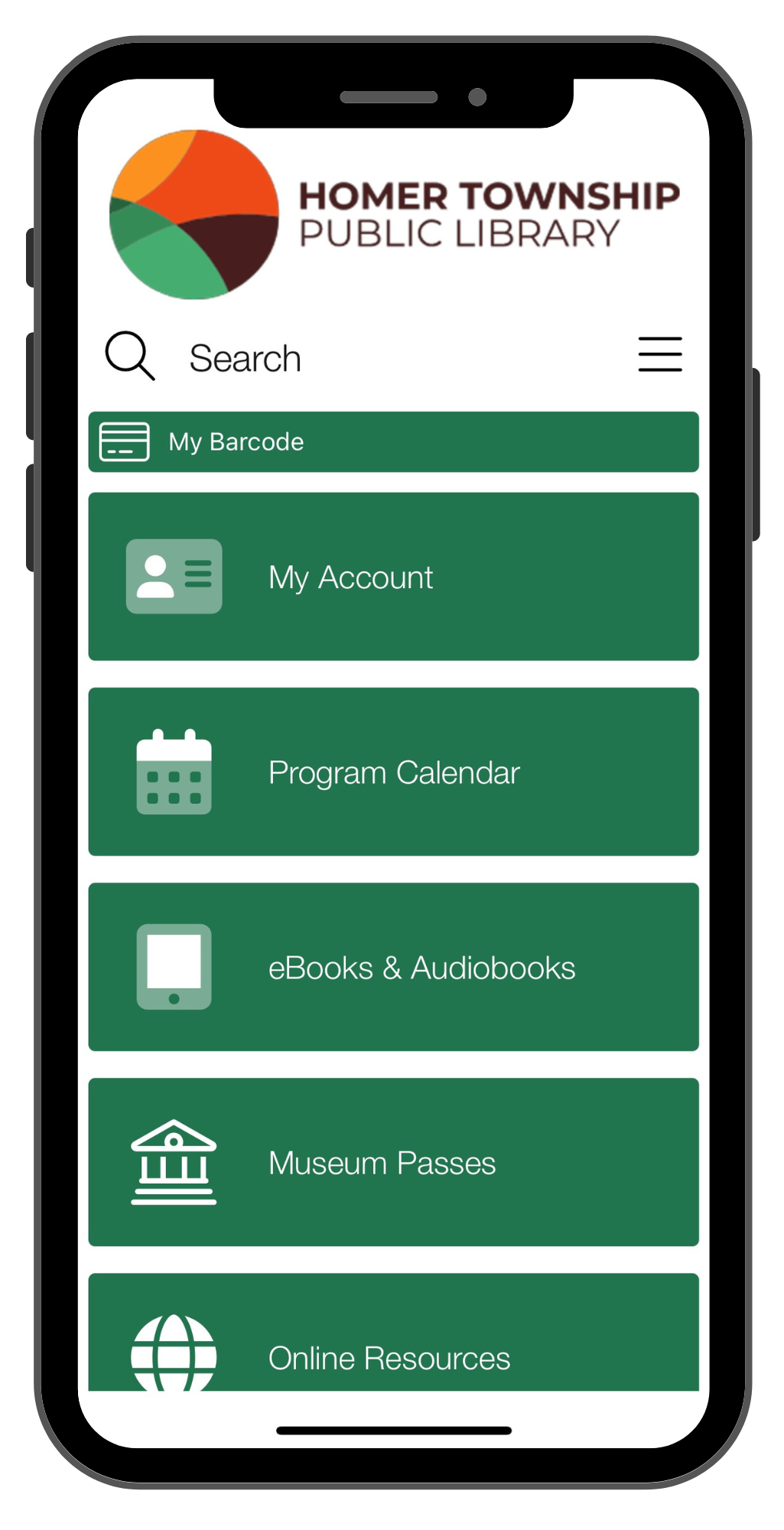
Our app offers quick and easy access to the library! The app is called PrairieCat On the Go (named after our catalog). View your account, place holds, renew items, view upcoming events, access online resources, and more -- all from your phone or mobile device!
To get started:
- Search PrairieCat Libraries in the app store on your Apple or Android device
- Tap Login
- Enter your library card number and PIN (the last 4 digits of your card number unless you changed it to a personalized PIN in the past)
Note: to view your reading history on the app, you must first choose to enable your reading history. Tap My Account, tap My Details, then choose Retain Reading History. This will save your reading history going forward. To view your reading history, tap My Account, scroll to the bottom of Checkouts and tap your name.
Have questions? We're here to help! Call us at 708.301.7908 or email us at help@homerlibrary.org